Create a team
- Make sure the team owner is on the Team plan
- Open Settings → Teams
- Click Create
- Name the team
- Invite teammates by email
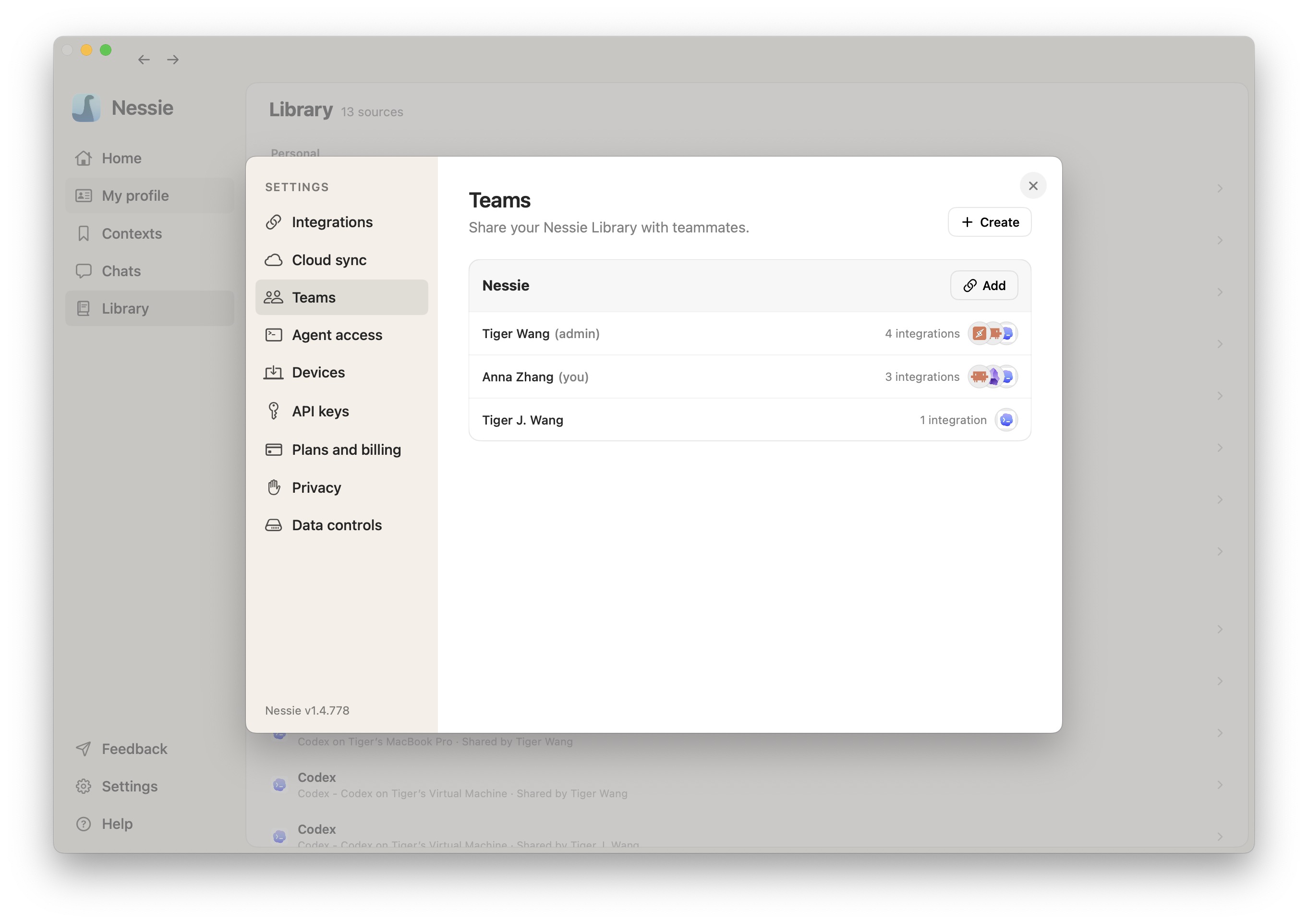
Share integrations with the team
- Open Settings → Teams
- Choose the team
- Click Add or Share
- Select the integrations or source roots you want the team to see
- For Claude Code, Codex, OpenCode, Cursor, Pi, and Antigravity sources, expand a machine when you want to select individual repositories
- Choose a team audience and save
For an individual session, context, or folder, open that item's own Private or Share control and choose a team audience.
This setup is for the Team plan. To share directly with one person on Plus or Pro, follow Sharing with individuals instead; no team setup is required.