OpenCode lets Nessie import local coding-agent sessions as searchable conversations.
How to connect:
- Go to Settings → Integrations
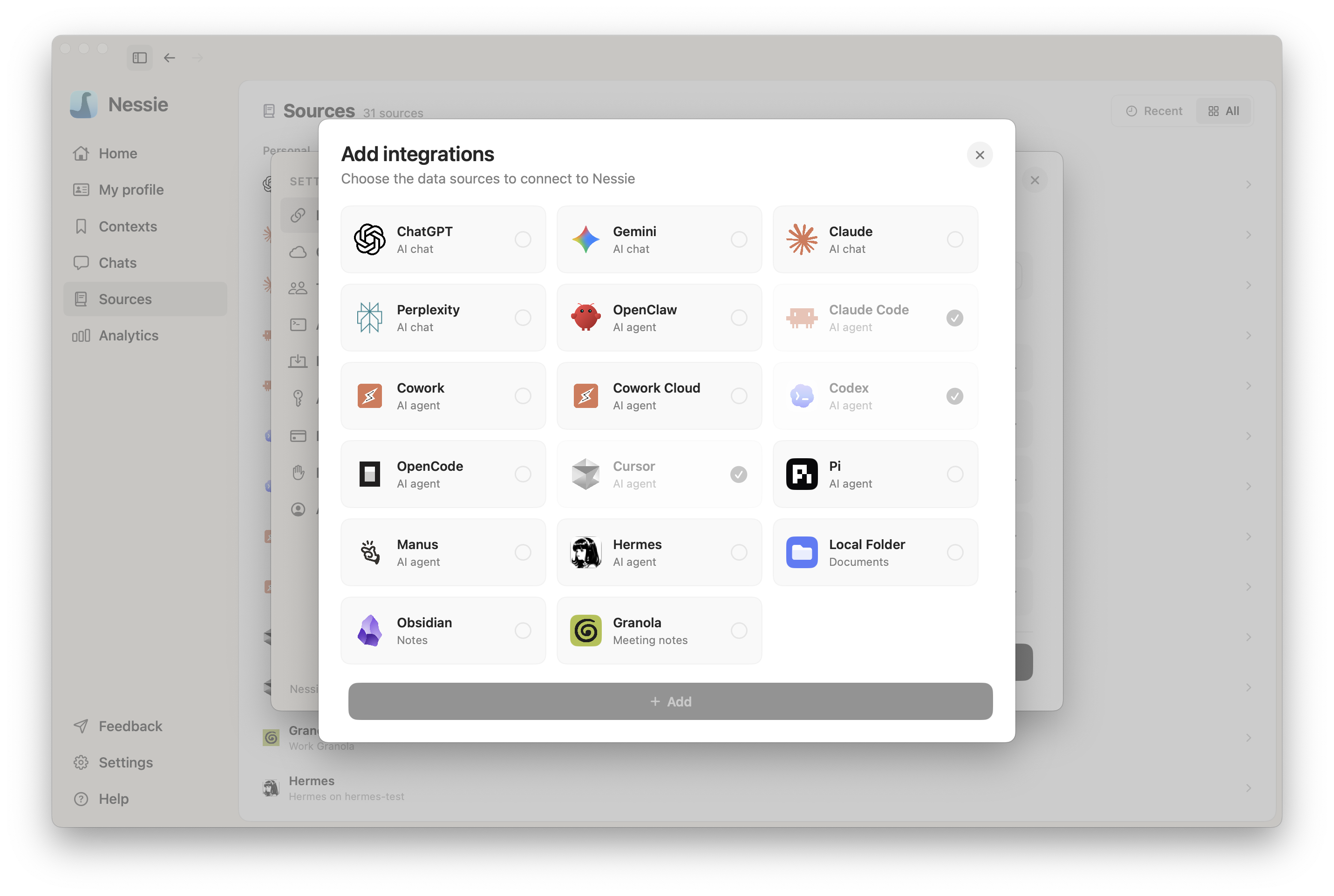
- Click Add integration
- Select OpenCode
- Nessie will automatically detect your OpenCode history and begin importing
How sync works: OpenCode is a local integration — no web sign-in required. Nessie reads all available OpenCode session transcripts directly from your machine and imports them as searchable conversations. New and updated sessions sync automatically.
What gets imported:
- OpenCode agent session transcripts available on your machine
- Session titles and conversation history
- Project and repository organization when available
Troubleshooting: If OpenCode is not detected, run OpenCode at least once so it has local session history, then try adding the integration again.
Data storage: OpenCode is a local integration — Nessie reads session transcripts directly from your machine. Imported sessions are stored locally by default. If Cloud Sync is enabled, synced conversations can be stored in Nessie Cloud so they are available to MCP, Teams, agents, and your other devices. You can disconnect anytime from Settings.