Apple Notes lets Nessie import your folders and notes from the Notes app on your Mac, including iCloud and On My Mac notes.
How to connect:
- Go to Settings → Integrations
- Click Add integration
- Select Apple Notes
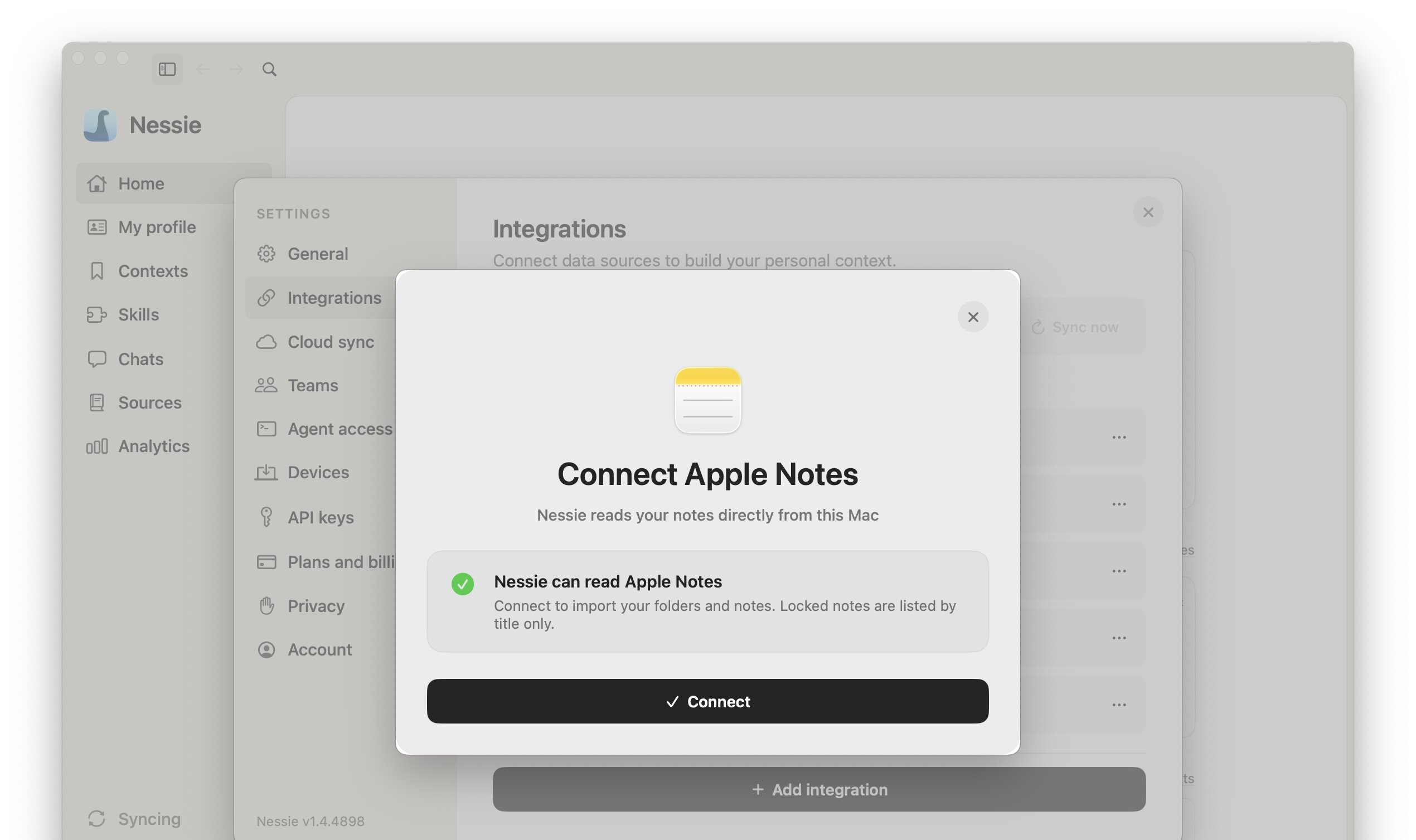
- If Nessie does not have Full Disk Access yet, click Open System Settings and turn on the switch next to Nessie under Full Disk Access. If Nessie is not listed, click + and choose Nessie from Applications. If macOS asks, choose Quit & Reopen, then add Apple Notes again
- Once Nessie shows Nessie can read Apple Notes, click Connect
Requirements:
- Nessie for Mac. Apple Notes is read directly from the Notes library on the Mac where you connect it
- Full Disk Access for Nessie. macOS only lets apps with Full Disk Access read the Notes library. Nessie only reads your notes and never changes them
- Open Notes at least once on that Mac so it creates its library
What gets imported:
- Your folders, including nested folders. If you have more than one Notes account, top-level folders include the account name, such as Notes (iCloud)
- Every note as readable, searchable text, including checklists, tables, and links
- Images, scans, drawings, PDFs, audio, and video appear as placeholders in the note, not as files
- Locked notes are imported by title only. Unlock them in Notes if you want their contents in Nessie
Recently Deleted, Smart Folders, and notes that have not finished downloading from iCloud are skipped.
How sync works: Nessie checks your Notes library every 15 minutes and updates notes that changed. Moving or renaming a note in Notes keeps the same note in Nessie, and notes you delete in Notes are removed. Deleting a note in Nessie removes it from your library and excludes it from future syncs; it stays in Apple Notes.
Sharing: With Cloud Sync on, you can share an Apple Notes folder or a single note. Use Share in the Library header, the row's right-click menu, or the note's header. People you share with get view access to that folder or note and everything inside it. See Direct sharing.
Data storage: Your notes stay in Apple Notes; Nessie only reads them. Imported notes are stored locally by default. If Cloud Sync is enabled, synced notes can be stored in Nessie Cloud so they are available to MCP, Teams, agents, and your other devices. You can disconnect anytime from Settings.