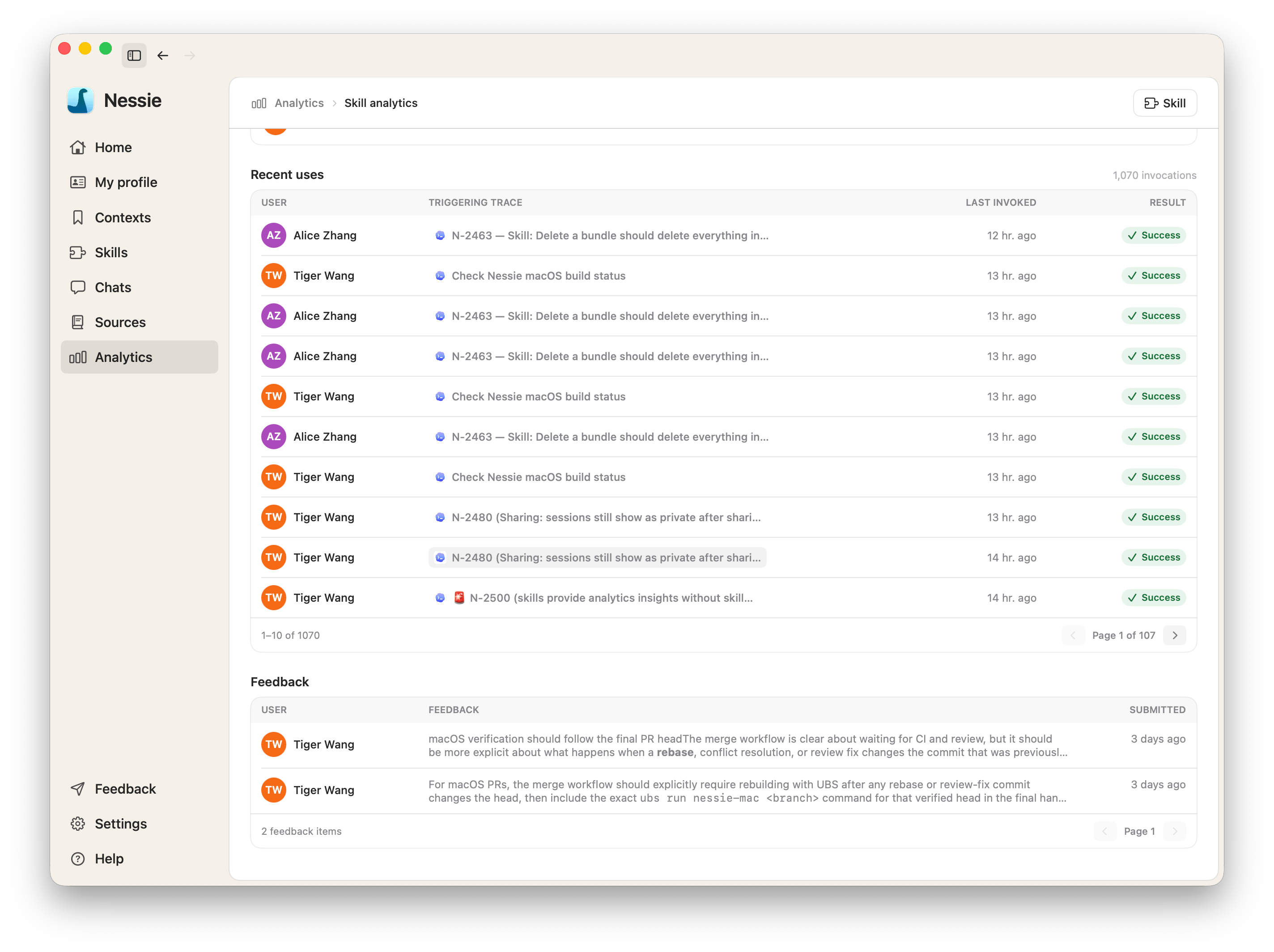
When any synced agent session invokes a skill, Nessie evaluates that invocation. The eval tells you whether the invocation succeeded.
You see a result on every recent use, a success rate in Skill analytics, and a link back to the conversation. Click a result to open Skill invocation result — the verdict, the agent, and a comment when there is one.
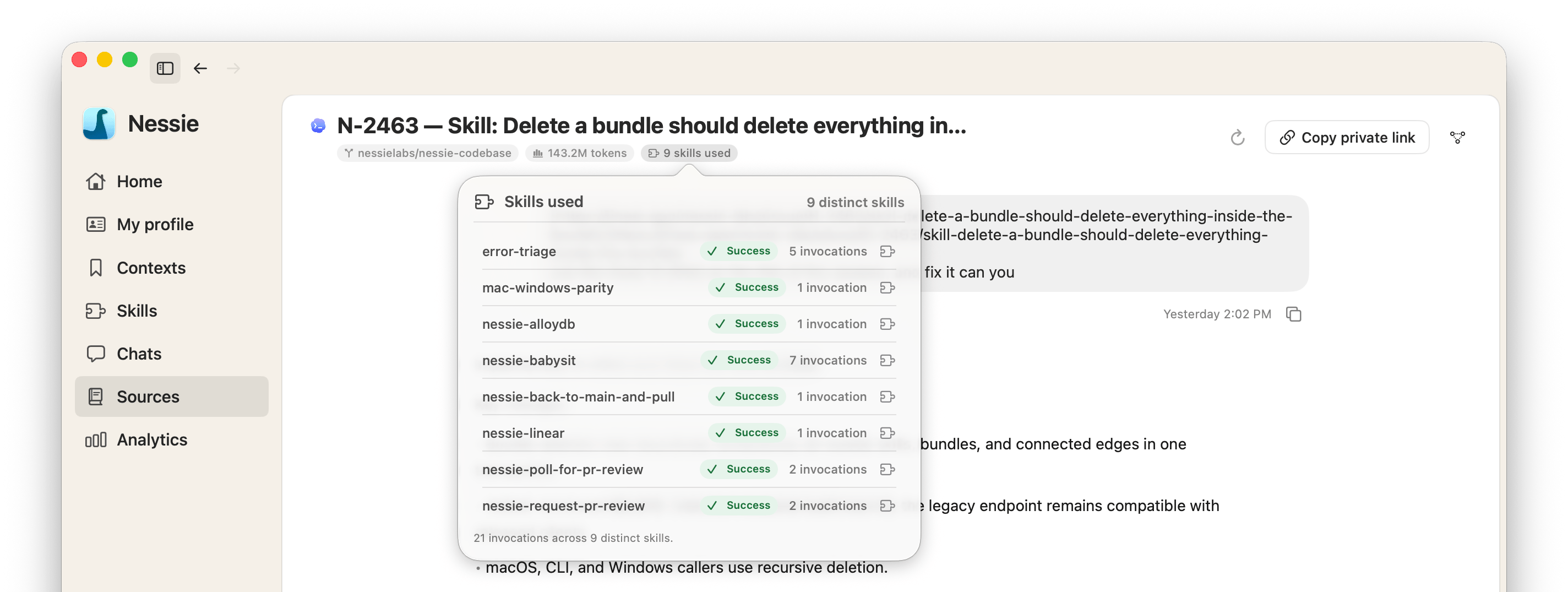
Results
| Result | What it means |
|---|---|
| Success | The invocation succeeded |
| Skill error | The skill failed while running |
| Unexpected behavior | The skill ran, but not the way it should have |
| Other error | Something else failed because of this invocation |
| Unknown | The invocation is still being evaluated |
Where to review an eval
- Open a skill and click Analytics, then click a result in Recent uses
- Open the source conversation and click the skill-usage badge
Agent-submitted feedback
Agents can also write feedback through the submit-skill-feedback skill that Agent Access installs. That feedback lands on the skill's analytics dashboard.
Evals require Cloud Sync. See What Cloud Sync does.