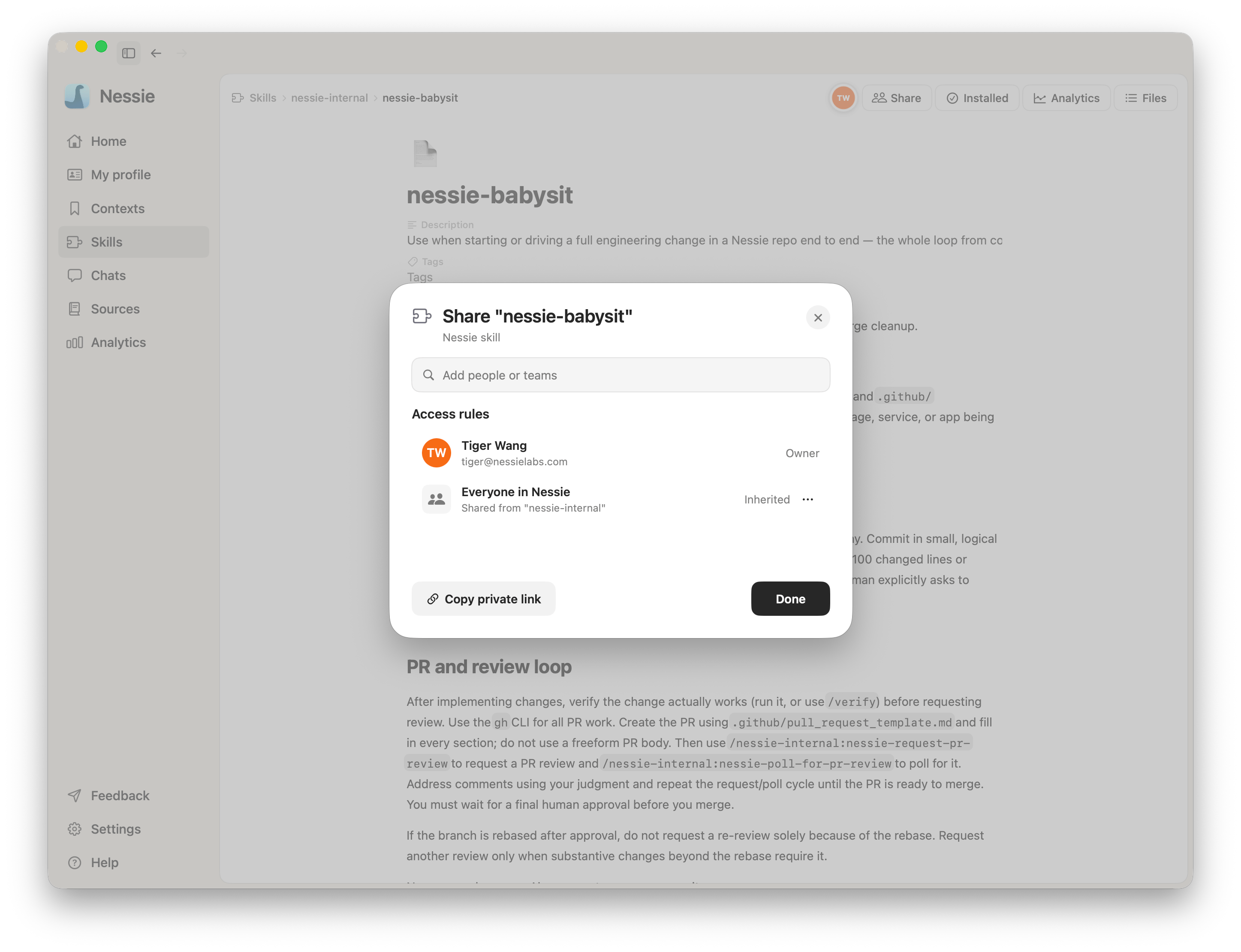
Skills use the same sharing model as contexts. The owner grants access; a private link only points at the skill.
Who you can share with
- A person — Plus and Pro users can share a skill or bundle directly with one existing Nessie user. No team required. See Sharing with individuals
- A team audience — On the Team plan, share with everyone, admins, or one teammate through the team. See What the Team plan adds
Viewer or Editor Open Share on a skill or bundle you own, search for a person or choose a team audience, then select:
- Viewer — can open and read the current package
- Editor — can edit the skill with you, including every text file, the title, description, and tags
Personal and team grants are independent and additive. Removing one does not revoke another grant that still applies.
Live editing When a skill has Editor access, several people can edit it at once. Nessie shows collaborator presence and remote cursors, applies changes live across every text file, and keeps queued edits safe through a temporary disconnect. Viewers see the same current package but cannot change it.
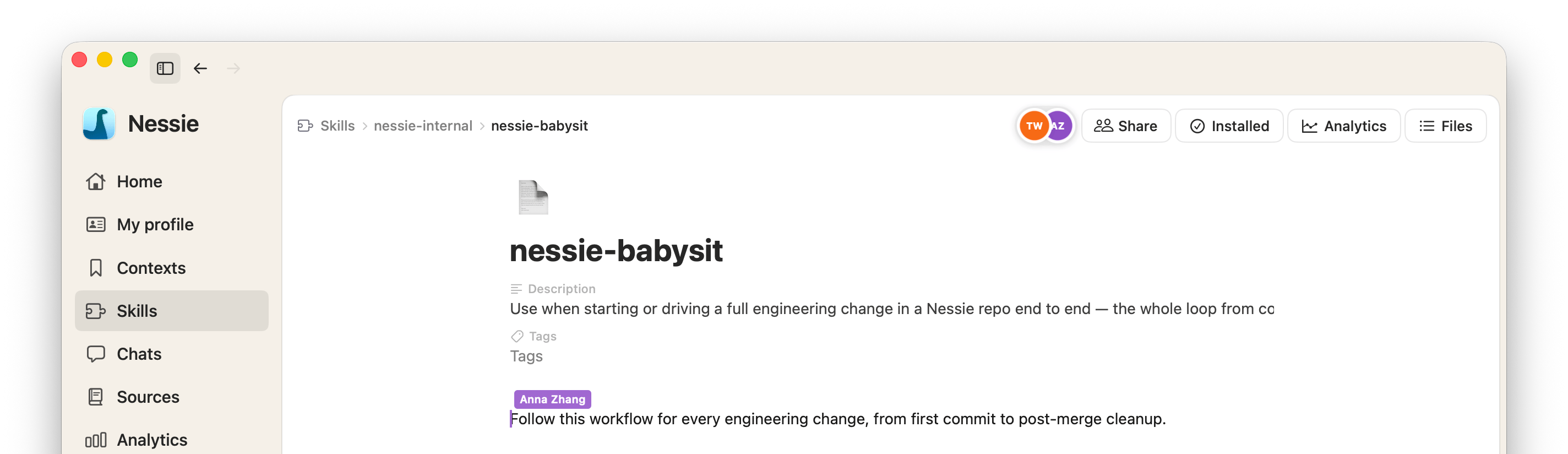
To share a skill
- Open the skill or bundle and click Share, or use Share from the row menu
- Add a person or team audience
- Choose Viewer or Editor access
- Send a private Nessie link if the recipient needs a pointer to the exact item
Sharing skills requires Cloud Sync. Personal and team grants use the same synced skill graph. See Sharing links and access for how private links differ from access grants.