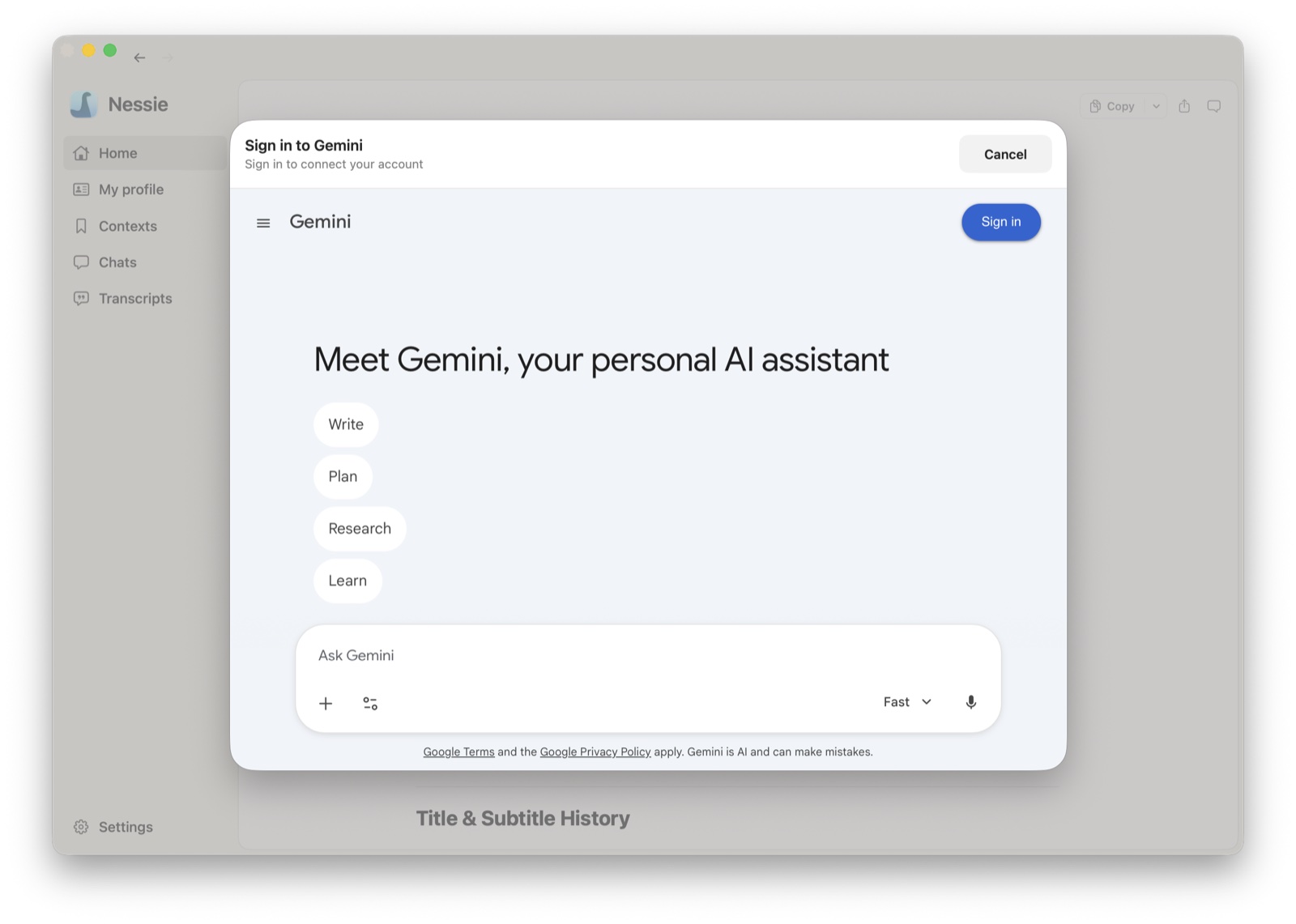
How to connect:
- Go to Settings → Integrations
- Click Add integration
- Select Gemini
- Sign in to your Google account
- Nessie will begin syncing your Gemini conversations
How sync works: Nessie connects to your Gemini account and ingests all available conversations automatically. New and updated conversations sync every 15 minutes.
Multiple accounts: You can connect multiple Gemini accounts if you have them.
Data storage: Your Gemini history is stored locally by default. If Cloud Sync is enabled, synced conversations can be stored in Nessie Cloud so they are available to MCP, Teams, agents, and your other devices. Your Google login credentials never leave your Mac, and you can disconnect anytime from Settings.