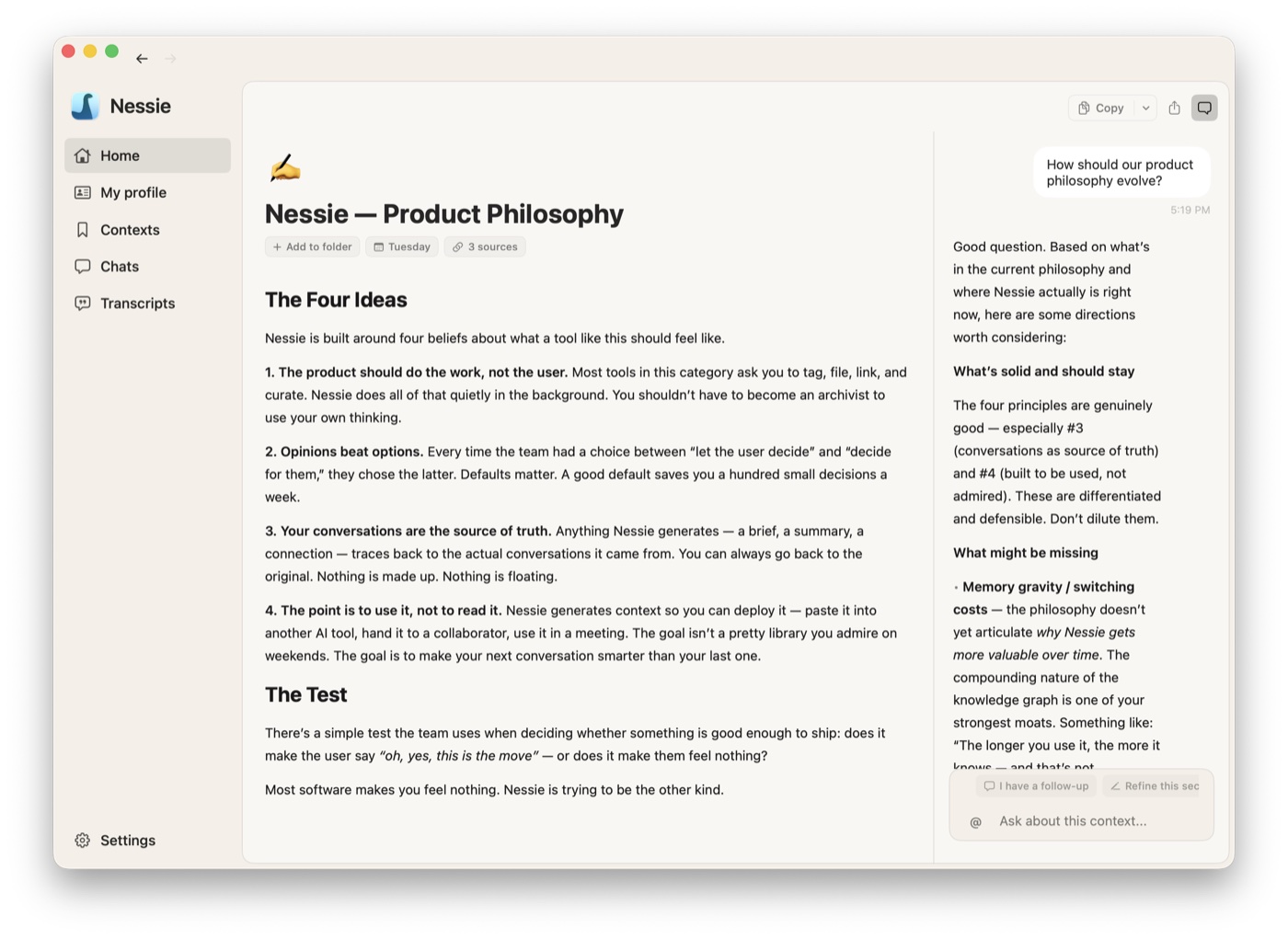
Chat is how you interact with Nessie and your conversation history.
Starting a chat:
- Cmd+N or use the search bar on Home
- Type your question or request
Using sources: The power of Nessie's chat is that it can reference your entire conversation history. Use the @ symbol to select specific transcripts or contexts as sources for a message. The AI will draw on those sources to answer.
Standalone chats vs. context chats:
- Standalone chats (Cmd+N) are conversations that live in the Chats section
- Context chats appear alongside a context in a split view — useful when you're building a context through conversation
Generating from chat: During any chat, you can ask Nessie to generate a structured context. The result can be saved as a new context in your library.
Stopping generation: Press Cmd+. to stop the AI mid-response.