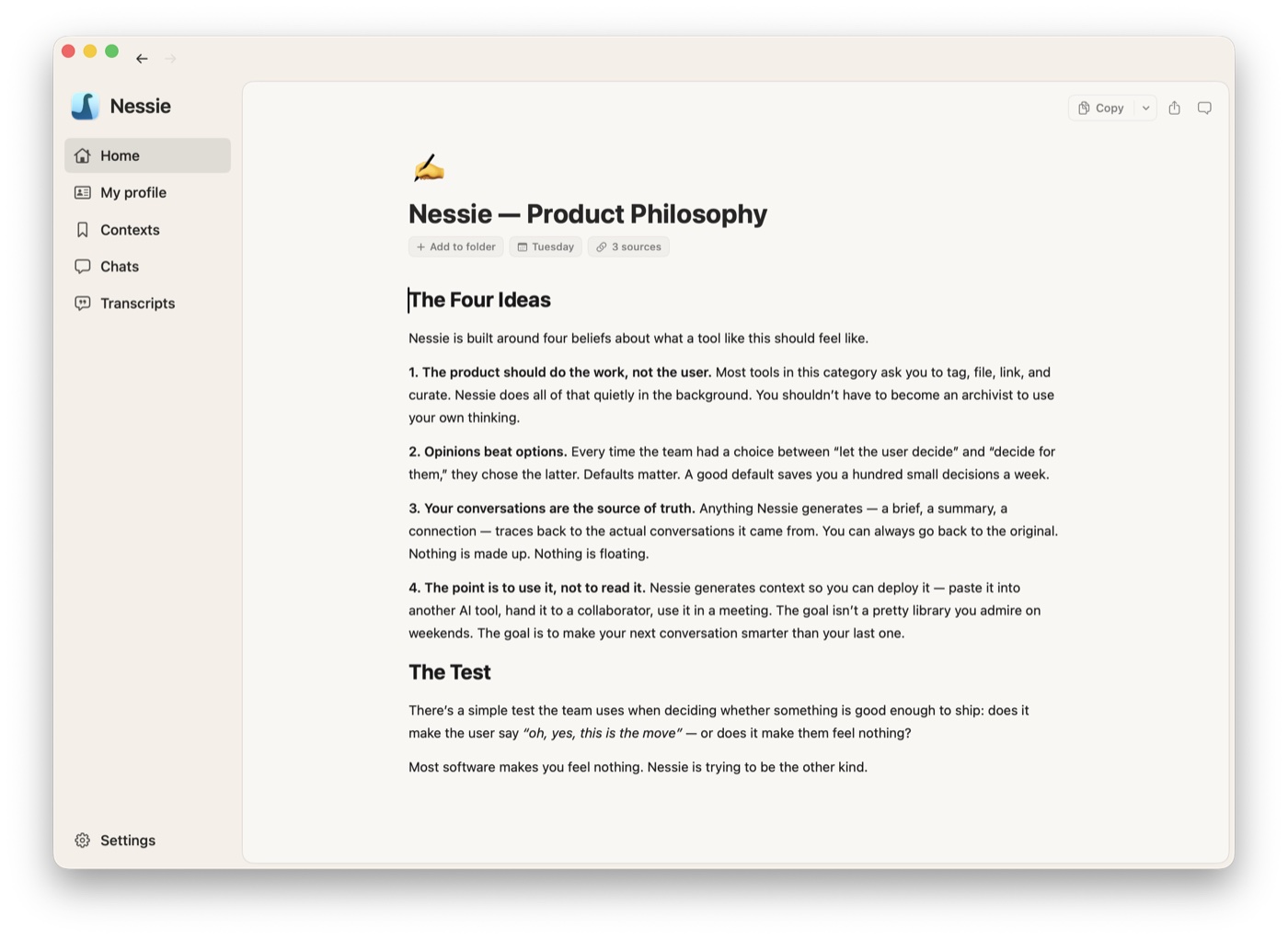
Contexts are the structured artifacts Nessie generates from your conversations. They live in your context library, organized in folders.
Creating a context:
- From chat: Start a chat, ask Nessie to generate something, and save the result as a context
- From Library sources: Select conversations or source roots in the Library and generate
- Manually: Cmd+Shift+N to create a blank context and write it yourself
Editing: Contexts use a markdown editor with headings, inline formatting, links, task and nested lists, quotes, code blocks, tables, and images. Changes auto-save as you type. Nested lists can be collapsed while you focus on one section.
When a context has Editor access, multiple people can edit its Markdown, title, and emoji together. Nessie shows collaborator presence and remote cursors, applies changes live, and keeps queued edits safe through temporary connection loss. Viewers can read the same current context but cannot change it.
Organizing:
- Create folders to organize your contexts
- Drag and drop contexts between folders
- Add or move your own contexts and folders into a shared folder where you have Editor access; your items remain owned by you
- Each context shows its source conversations so you can see where the content came from
Portable: Every context is a structured artifact you own, and it travels two ways:
- Deploy to AI tools — Hover any context in the library and use the copy button to grab its markdown. Drop it into ChatGPT, Claude, or any AI tool as system context.
- Share with people — Grant Viewer or Editor access personally or through a team, copy a private Nessie link, or enable a public browser link. See Sharing links and access for the differences.
Your thinking doesn't have to stay inside Nessie. Contexts travel to any machine or any person you want to send them to.