Granola lets Nessie import meeting notes, folder structure, and transcripts from your Granola workspace.
How to connect:
- Go to Settings → Integrations
- Click Add integration
- Select Granola
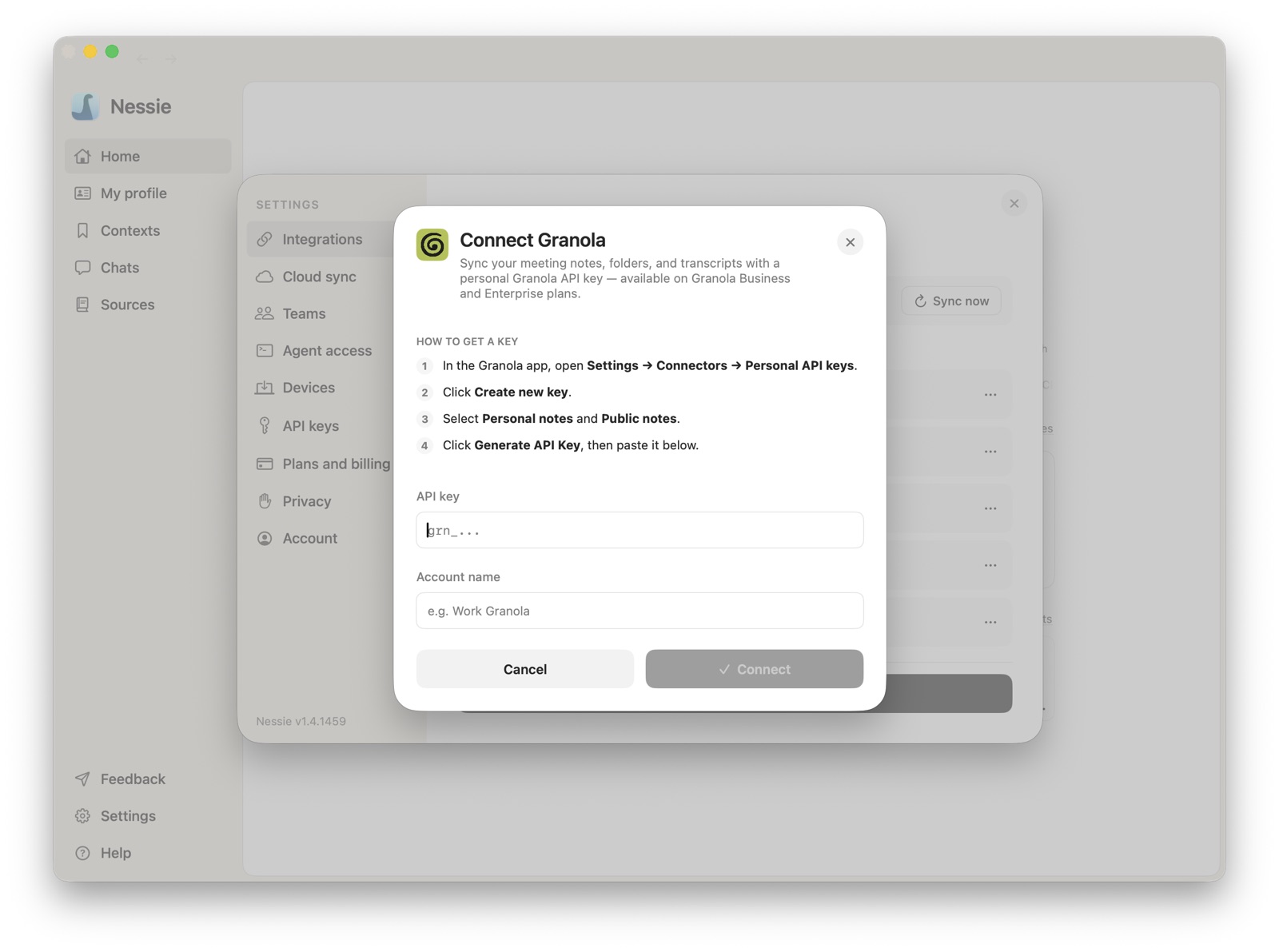
- In Granola, open Settings → Connectors → Personal API keys
- Create a new key with Personal notes and Public notes access
- Paste the API key into Nessie, give the account a name, and click Connect
How sync works: Nessie connects to Granola's public API with your personal API key and imports your meeting notes as searchable sources. Folders stay browsable in Library, note summaries are readable as meeting notes, and transcript turns are indexed for search.
Requirements:
- A Granola Business or Enterprise plan with personal API keys enabled
- A Granola API key with Personal notes and Public notes access
Data storage: Your Granola notes and transcripts are stored locally by default. If Cloud Sync is enabled, synced Granola sources can be stored in Nessie Cloud so they are available to MCP, Teams, agents, and your other devices. Your Granola API key stays on the machine where you connected the source, and you can disconnect anytime from Settings.