Nessie automatically builds a profile of you based on all your synced conversations. Your profile is a living document that updates as you use more AI tools, and you can edit every part of it directly.
Profile sections:
Your profile has 10 sections, each capturing a different aspect of who you are:
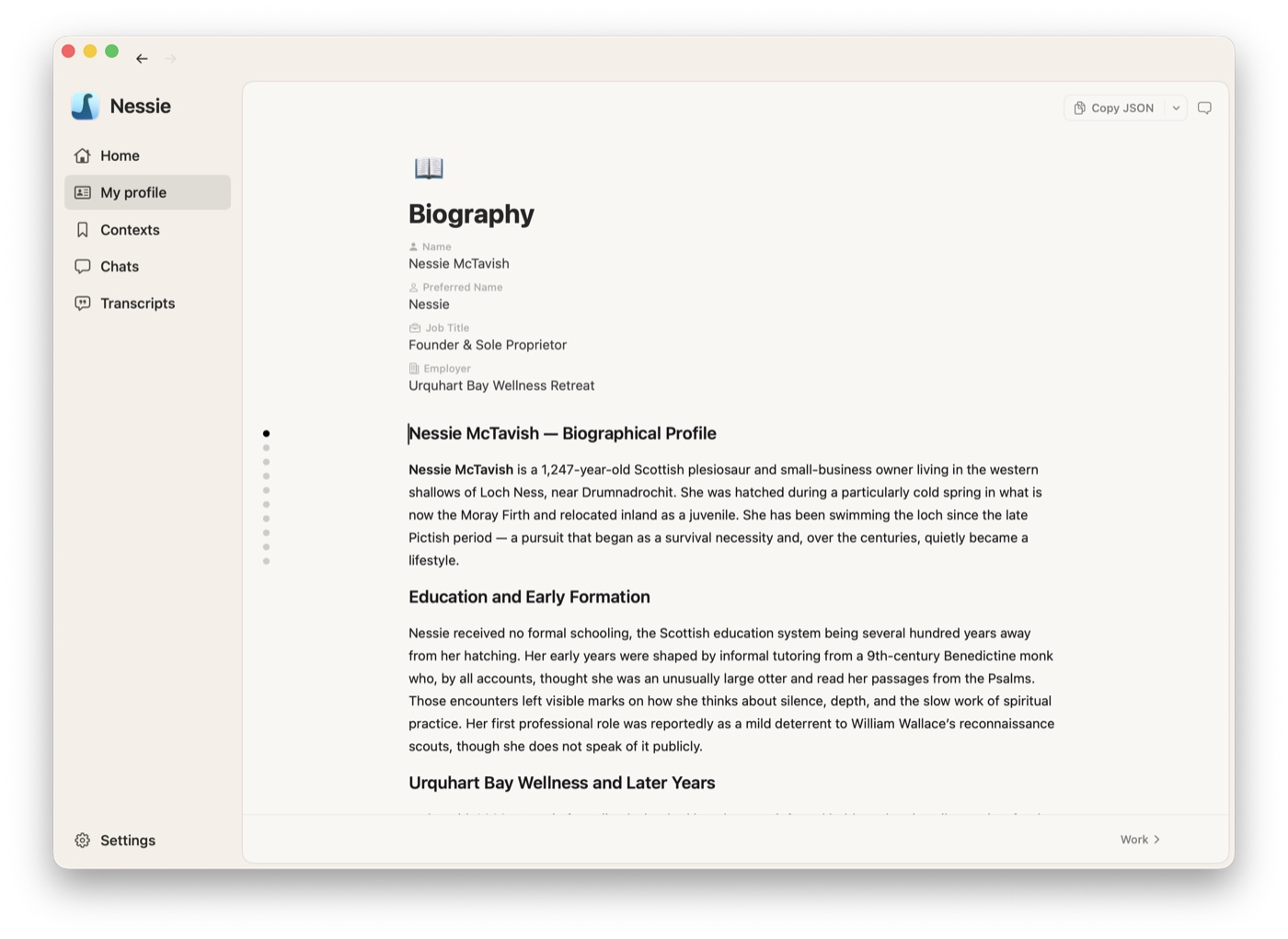
- Biography 📖 — Who you are, your background, and contact information (name, job title, employer)
- Work 💼 — Work experiences with employer, title, years, and description
- Education 🎓 — Education history with school, degree, years, and description
- Connections 🤝 — People in your network with name, role, and details about your relationship
- Personality 🧠 — Your personality traits and characteristics
- Communication 💬 — Your communication style and preferences
- Expertise ⭐ — Your skills and areas of knowledge, grouped by category
- Decisions 🧩 — Decisions you've made, with date, time horizon, and category
- Upcoming 📅 — Events, deadlines, and goals on your horizon
- Projects 🚀 — Your projects with status (Active, Paused, Completed, Archived) and tech stack
How your profile is generated:
Nessie builds your profile automatically from your synced conversations. During your first sync, Nessie analyzes your conversation history and populates all sections. After that, four sections update incrementally as new conversations come in: Projects, Decisions, Expertise, and Upcoming. Your manual edits are always preserved.
Your profile gets more accurate and richer as you connect more accounts and sync more conversations. For the best results, connect all your AI accounts so Nessie has a complete picture of who you are.
Editing your profile:
You can edit your profile in three ways:
- Direct editing — Click any card to open its editor, or type directly in markdown sections (Biography, Personality, Communication). Changes save automatically.
- Chat — Open the chat panel (click the chat icon in the top right) and ask Nessie to make changes. This works for any section. For example: "Add a new connection," "Update my job title," "Add a project," "Remove a decision," or "Update my work experience." Nessie can search your conversations to fill in the details automatically.
- Adding items — Each section has an "Add" button at the bottom. Click it to create a new card (work experience, connection, project, etc.) and fill in the fields.
Exporting:
Your profile is a structured artifact you own. Use the Copy JSON button in the toolbar to export your entire profile as structured JSON. Drop the result into ChatGPT, Claude, or any AI tool you use — your profile deploys anywhere you're thinking, carrying your context with you instead of getting trapped inside one app.