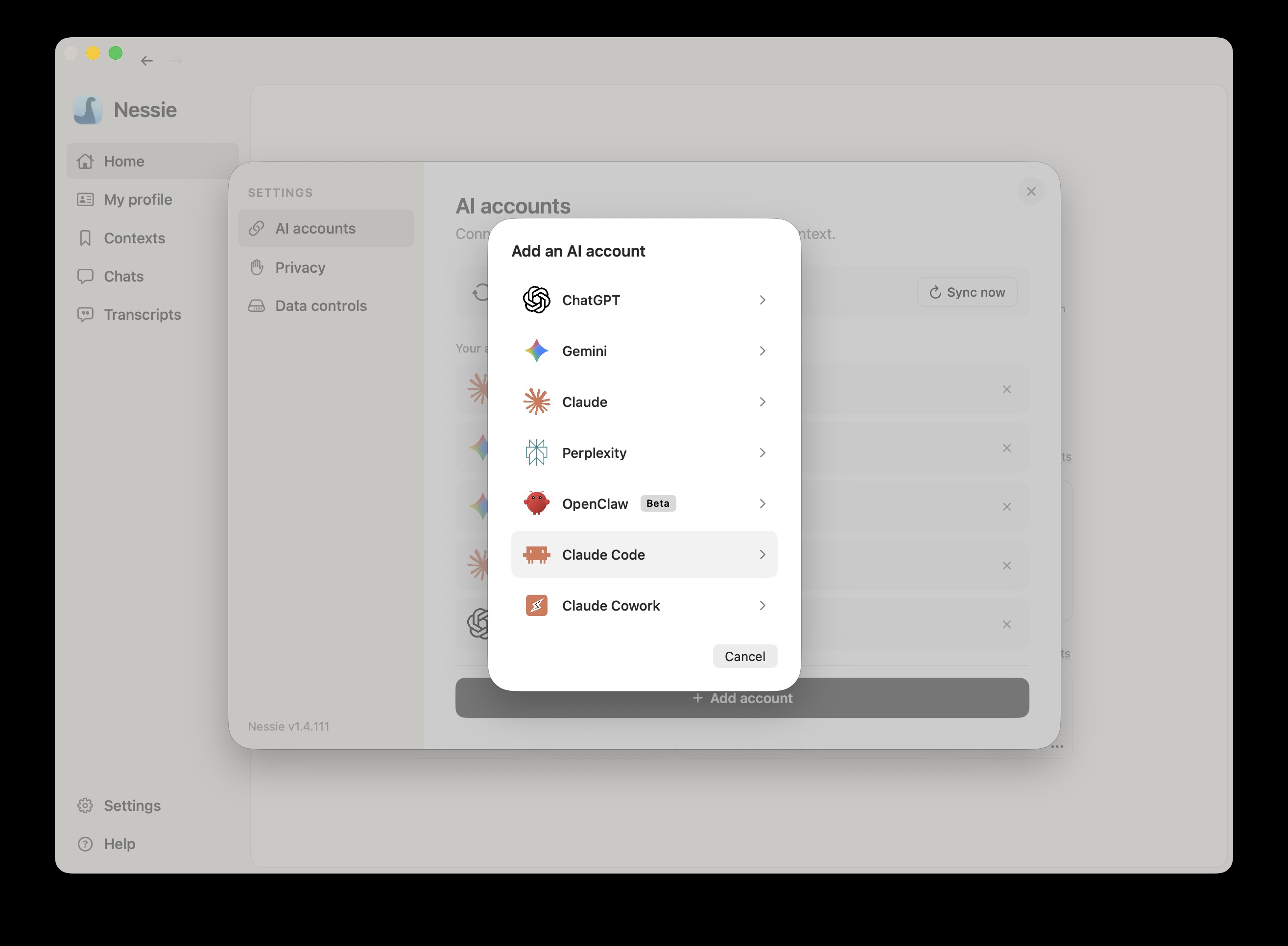
How to connect:
- Go to Settings → Integrations
- Click Add integration
- Select Claude Code
- Nessie will automatically detect your Claude Code sessions and begin importing
How sync works: Claude Code is a local integration — no web sign-in required. Nessie reads all available Claude Code session transcripts directly from your machine and imports them as searchable conversations.
What gets imported:
- All Claude Code session transcripts currently on your machine
- Organized by project
- Tool use and code changes are included in the transcript
About your history: Claude Code only keeps the last 30 days of session history on your machine. Older sessions are rotated out and deleted by Claude Code itself, before Nessie can see them. On first sync, Nessie imports whatever is still on disk, so expect roughly the last 30 days of Claude Code activity to appear. From the moment you connect, Nessie keeps every new session permanently, so you never lose Claude Code history again.
Data storage: Claude Code is a local integration — Nessie reads files directly from your machine. Imported sessions are stored locally by default. If Cloud Sync is enabled, synced conversations can be stored in Nessie Cloud so they are available to MCP, Teams, agents, and your other devices. You can disconnect anytime from Settings.